
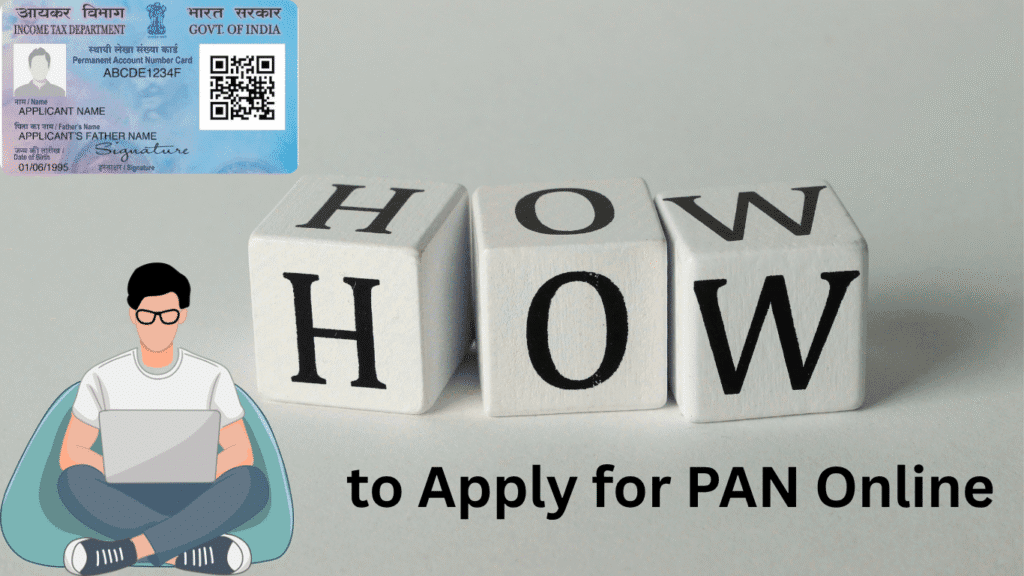

Okay, so you need a PAN – whether it’s for filing taxes, opening a bank account, or just ticking off some paperwork. The good news? You don’t need to stand in long lines or fill out confusing forms anymore. You can apply for your Permanent Account Number (PAN) from the comfort of your couch. Yup, it’s all online now!
Let me break it down for you in simple steps and answer all those questions you might have.
What the Heck is a PAN?
A Permanent Account Number (PAN) is basically your financial ID. It’s a unique 10-digit code given by the Income Tax Department of India, and it helps track all your financial activities. It’s a must-have for filing taxes, opening a bank account, buying property, and more.
Where Can You Apply for PAN?
There are a few places you can apply online for your PAN. Here’s the deal:
- Protean (NSDL eGov)
- Website: NSDL PAN Portal
- UTITSL Portal
- Website: UTITSL PAN Portal
- Income Tax E-filing Portal (For Instant E-PAN)
- Website: Income Tax E-filing Portal
While all these portals let you apply, the Income Tax E-filing portal offers a cool feature – the Instant E-PAN, which gives you a PAN card in a jiffy. Perfect if you’re in a hurry.
What Can You Do Online?
You can do all sorts of things online, like:
- Apply for a New PAN – If you don’t have one yet.
- Correct PAN Details – Mistakes happen. If there’s something wrong on your PAN card, you can fix it online.
- Reprint Your PAN Card – Lost it? No problem. Request a reprint, and it’ll be back in your hands.
- Get Instant E-PAN – If you’re someone who has an Aadhaar and a linked mobile number, this service is your best friend. You’ll get your PAN instantly and totally online.
How Much Will It Cost?
Here’s the price breakdown for you:
- For Indian Communication Address: ₹91 (excluding GST)
- For Foreign Communication Address: ₹862 (excluding GST)
You can pay the fee using credit/debit cards, net banking, or demand drafts. It’s pretty straightforward, and once you pay, you’ll be asked to either send in your documents or complete the Aadhaar OTP verification.
What Documents Do You Need?
Here’s a quick checklist:
- Identity Proof: Passport, Aadhaar, Voter ID, etc.
- Address Proof: Bank statement, utility bill, passport, etc.
- Date of Birth Proof: Birth certificate, passport, etc.
If you’re applying with an office address (instead of a residential one), then you’ll need to submit proof for both office and residential addresses.
Instant E-PAN – The Fastest Way to Get Your PAN
For those who have an Aadhaar number and have linked their mobile number to Aadhaar, the Instant E-PAN is an absolute breeze. Here’s why you should totally consider it:
- Free of cost
- No paper involved (just upload your documents and you’re good to go)
- Instant delivery (you’ll get your PAN in your inbox within minutes!)
This Instant E-PAN is legally valid and works just like a physical PAN card, so you’re all set to go.
Applying for PAN: A Step-by-Step Guide
Ready to apply? It’s super simple, and I’ll walk you through the steps:
Step 1: Choose Your Portal
Pick one of the portals to apply from:
- NSDL eGov
- UTITSL
- Income Tax E-filing Portal for Instant E-PAN
Step 2: Pick What You Need
Are you applying for a new PAN, updating details, or requesting a reprint? Choose the right option.
Step 3: Fill Out the Form
Enter your basic details – name, address, and other personal information. It’s a no-brainer!
Step 4: Upload Your Docs
Scan and upload your identity proof, address proof, and date of birth proof. Just make sure they’re clear and legible.
Step 5: Make the Payment
Pay the fee. You can do it via credit/debit card, net banking, or demand draft.
Step 6: Verify Your Application
Now, verify your application by either sending in your documents or completing the Aadhaar OTP process.
Step 7: Wait for Your PAN
Once everything’s good, your PAN will be processed. It might take about 15-20 days to receive the physical card. But with Instant E-PAN, it’s almost immediate – straight to your email!
FAQs – Answering Your Burning Questions
1. Can I apply for PAN if I don’t have an Aadhaar?
Yes, you can absolutely apply for PAN without Aadhaar. But if you have an Aadhaar, I recommend going for the Instant E-PAN – it’s much faster.
2. Is Instant E-PAN valid?
Yup! The Instant E-PAN is just as valid as the physical PAN card. It works for all financial transactions.
3. How can I track my PAN application?
Both NSDL and UTITSL allow you to track your PAN application status. So if you’re curious, just pop in your application number.
4. What if my PAN application gets rejected?
Don’t worry – it happens sometimes. If your application is rejected, you’ll be told why. Then you can simply fix the issue and reapply.
5. How long does it take to get my PAN card?
For Instant E-PAN, you’ll get it within minutes. If you’re applying the traditional way, expect it to take around 15-20 business days.
See? Applying for a PAN is simple, fast, and now, completely online. Whether you need a new one, want to make changes, or just need a reprint, the online process is smooth and convenient. And for those with Aadhaar linked to their mobile number, the Instant E-PAN service is a total game-changer – paperless and super quick.
Still have questions? Drop them in the comments below, and I’ll be happy to help!